
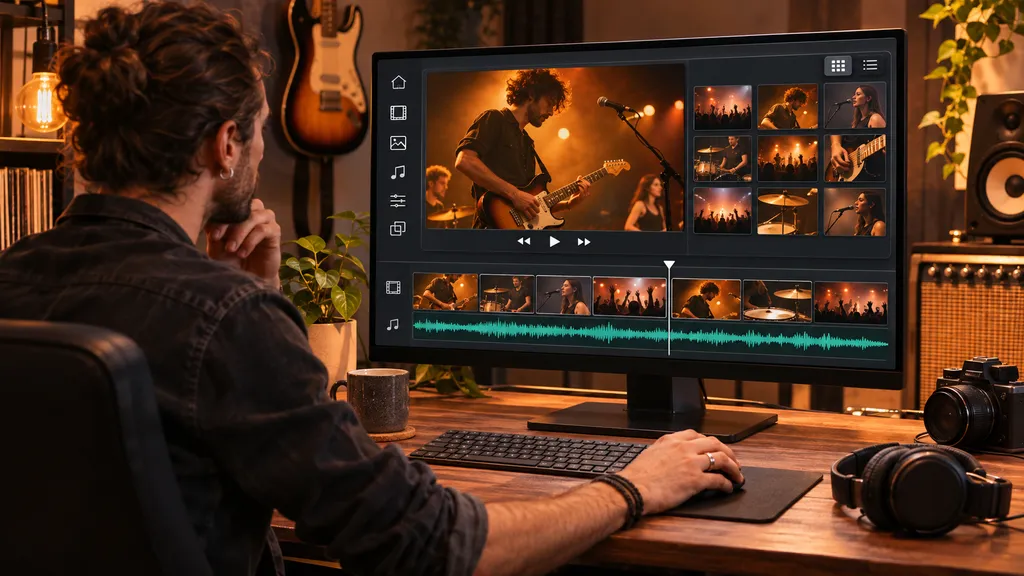
The morning after a show, the drummer sends you a clip from soundcheck. A friend in the front row caught the chorus. Somebody even got a photo of the handwritten set list before it disappeared. You’d love to send everyone one video that captures the night. With VidStitch, you can start with those files and the song you played.
Let the song shape the first cut
Import your photos, video clips, and music. VidStitch listens for the beat, arranges your footage, and times transitions to the track. That takes one of the fiddliest parts of editing off your hands. You can watch a first cut and decide how it feels before spending time on individual edits. actieve.com
Keep the moments only you would recognize
Maybe the best part of that soundcheck clip is the drummer looking up and grinning just before the count-in. That’s the kind of detail worth keeping. Preview the montage, trim a clip around a favorite moment, adjust the framing, or soften a transition with a crossfade. When it feels right, export the finished video in up to 4K. VidStitch processes the media on your computer and keeps your original files intact. actieve.com
A first montage can be as small as a handful of photos, two good clips, and a song everyone knows. Try it with last weekend’s gig, a season’s worth of finish-line footage, or the family photos you’ve been collecting for a birthday. Start with the moment you want people to remember and build from there.